Clean Up iPhone Storage
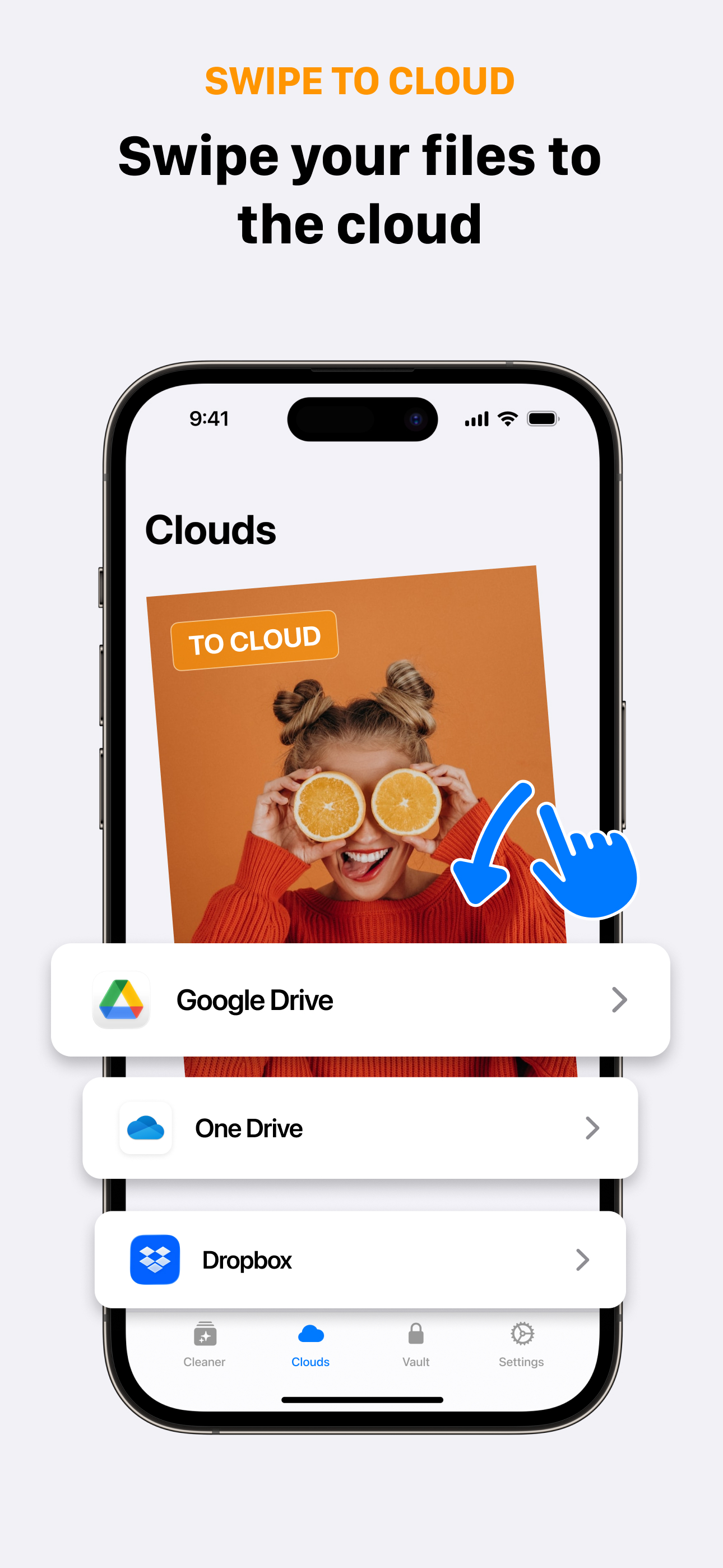
Swipe to clouds your photos and videos

Scan to download
Swipe to clouds your photos and videos
Scan to download
Turn photo organization into a fun game with our intuitive swipe-to-cloud feature. Instantly upload your photos and videos to major platforms like Google Drive, OneDrive, Dropbox, and iCloud by simply swiping right to upload or swiping left to keep your media local. After uploading, you can delete the original files to free up storage space instantly.
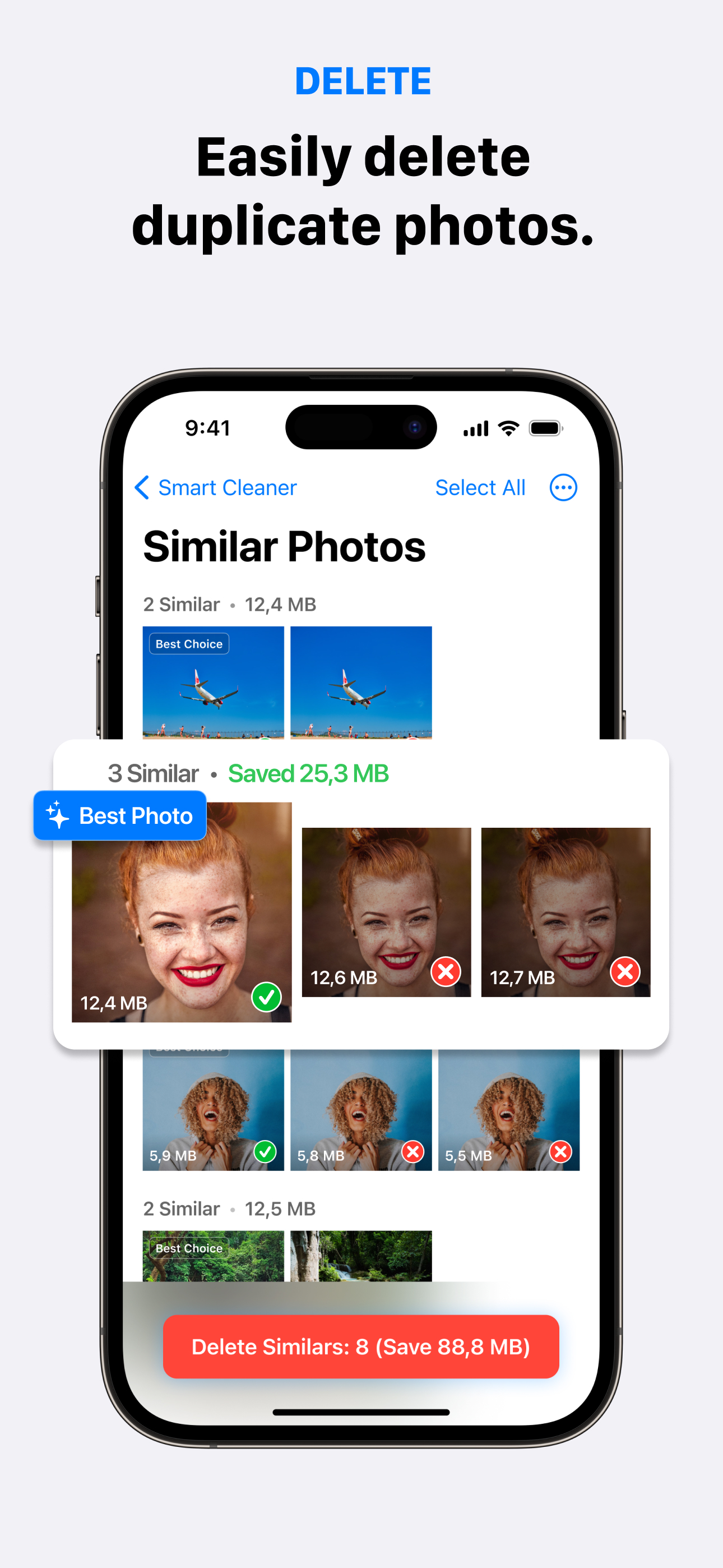
Automatically detect duplicate photos and videos while identifying the worst shots in your gallery. Our smart cleaner finds blurry images, files with bad lighting, and low-quality duplicates so you can easily review and delete them with just one tap.
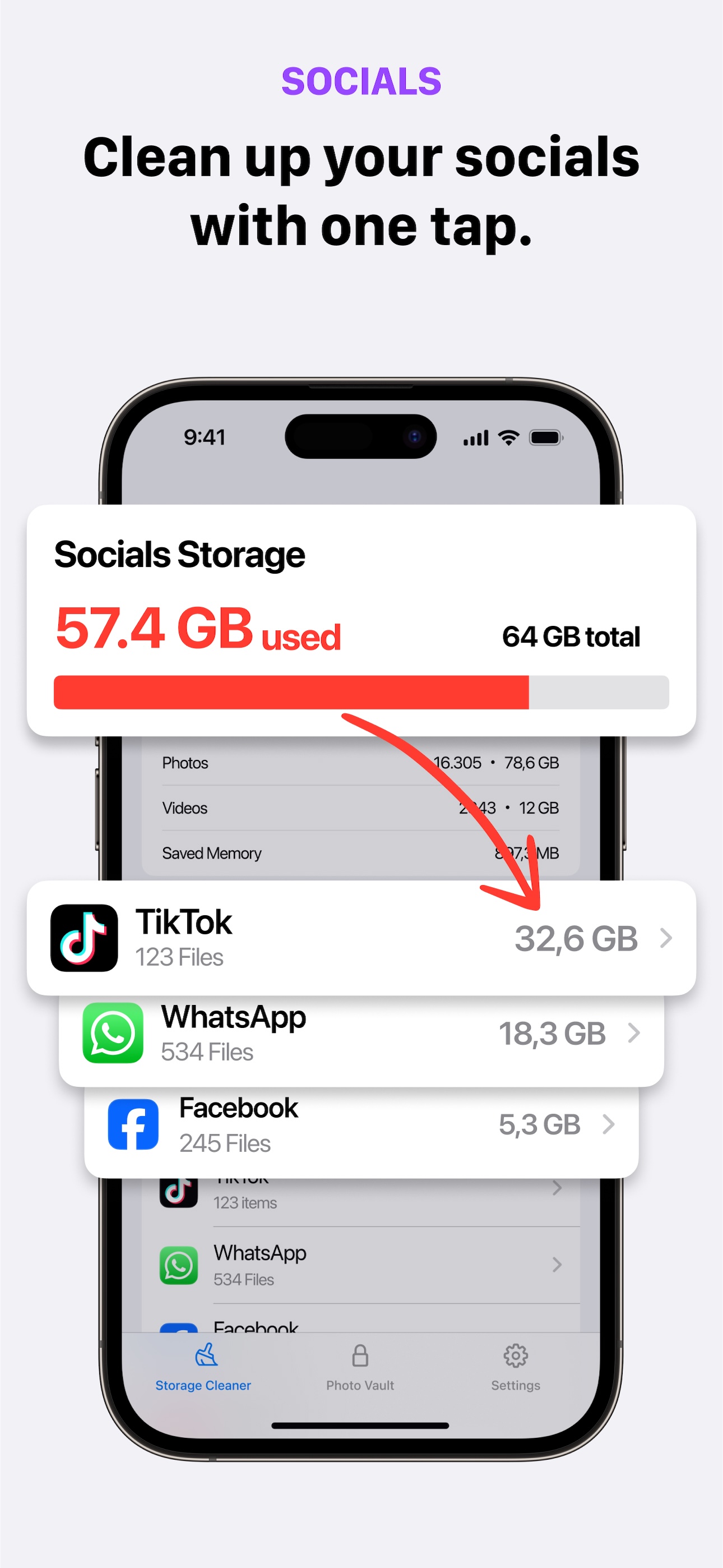
Deep clean social media files from your iPhone. We identify files stored on your device from popular platforms like Facebook, Instagram, TikTok, WhatsApp, and X, so you can easily delete the ones you don't need. You will be surprised by how much storage junk you have accumulated.
Keep all your photos and videos safe in the cloud while freeing up space on your device.
Optimized upload speeds ensure your content moves to the cloud quickly and efficiently.
Your data goes directly to your cloud accounts. We don't store or access your files.
Intuitive swipe gestures make it easy for anyone to clean up their iPhone storage.
See SwipeCloud in action
Yes, SwipeCloud is completely free to download and use.
Back up photos, delete duplicates, and clean social media files without any cost.
No. Everything runs locally on your device. Our algorithms only analyze your media to find duplicates.
Your data never leaves your iPhone unless you upload to your own cloud accounts.
SwipeCloud scans your library locally to find duplicate photos and videos, similar shots, blurry images, and photos with bad lighting.
Delete unwanted copies with one tap.
Social Clean finds cached files from Facebook, Instagram, TikTok, WhatsApp, and X.
These files accumulate on your iPhone without you knowing.
Yes. SwipeCloud processes all data locally.
We never upload, store, or access your photos. Cloud backups go directly to your own accounts.
A secure, private space to hide sensitive photos and videos.
Files in the Vault are protected and hidden from your regular photo library.
Download SwipeCloud today and start managing your iPhone storage with ease.
Learn how to free up space and keep your iPhone running smoothly

Free up storage and save your memories
7 proven ways to free up gigabytes of space fast
Find and remove duplicate photos in minutes
7 fixes when storage won't clear
Speed up your iPhone by clearing cache
Understand and reduce mysterious storage